HeyUtils SVG Workbench
🍀 Directory Note
"A free browser tool that formats, minifies, and optimizes static SVG files, with a before-and-after comparison before you apply any change."
About HeyUtils SVG Workbench
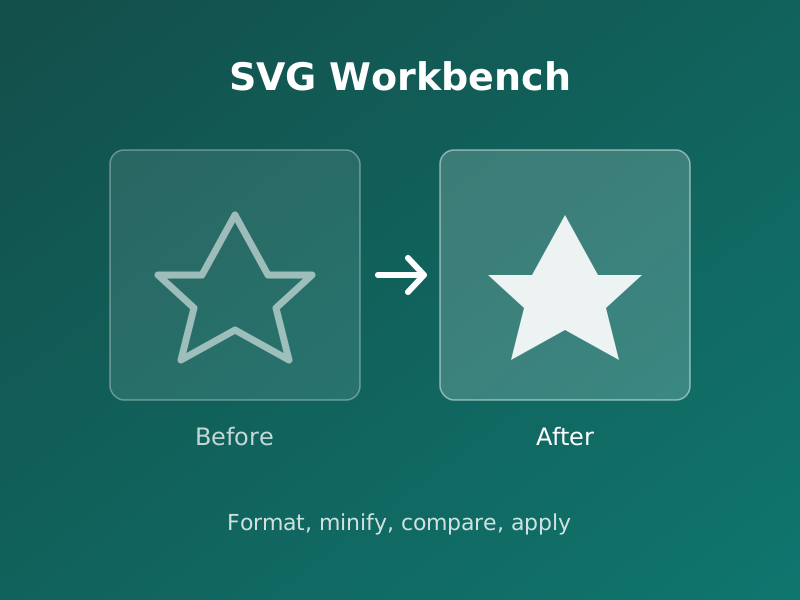
SVG Workbench is a free tool on HeyUtils for cleaning up static SVG files such as icons and simple illustrations. Paste a complete SVG document and it prepares a formatted, minified, or optimized candidate: formatting and minification are built in, and SVGO-based numeric and path optimization is optional and off by default. The candidate is shown beside the original with byte counts, and nothing changes until you apply it; an undo restores the previous source. ViewBox, IDs, title, and desc are kept by default, so routine cleanup does not remove sizing information or accessible descriptions.
The limits are stated plainly on the tool page. Input is capped at 1 MiB, 20,000 nodes, and 100 levels of nesting, and processing stays in the browser. Only static SVG is accepted: scripts, event handlers, animations, and external references are rejected. It is not a general SVG sanitizer and not an animation or vector editor, so artwork that needs those jobs belongs in a different tool. A transparent PNG export at a chosen width is included for destinations that need pixels instead of vectors.
Primary Use Cases
- 1Shrinking hand-exported icon SVGs before shipping them on a site
- 2Reviewing what an optimizer changed before replacing the original file
- 3Exporting a transparent PNG of an icon at an exact pixel width
Technical Data
Input limit
1 MiB, 20,000 nodes, 100 nesting levels
Processing
In the browser; external resources are blocked
Optimization
Formatting and minification built in; optional SVGO numeric and path optimization
Export
Optimized SVG, or transparent PNG up to 4096 px per side
Preserved by default
viewBox, IDs, title, desc
Source
heyutils.com/tools/svg-workbench (checked October 2026)
Directory Analysis & Suitability
Key Advantages
- Candidate is compared against the original before anything is applied, with an undo after applying
- Keeps viewBox, IDs, title, and desc by default, so cleanup does not strip sizing or accessibility text
- Processing stays in the browser and the tool is free to use
Considerations
- Static SVG only: scripted, animated, or externally referenced artwork is rejected
- Not a general SVG sanitizer and not a vector editor; shape editing belongs elsewhere
- Input is capped at 1 MiB and 20,000 nodes, so large illustrations need a build tool instead
Platform Compatibility
Web Environment
Runs in the browser at heyutils.com; pasted SVG is processed locally.
Mobile & Touch
Browser-based with no app; larger files are easier to review on a bigger screen.
Desktop Software
Browser-based with no install; fits alongside a desktop SVG editor.