Figma vs Canva vs Adobe Express 2026
🍀 Directory Note
"A high-end comparison of the big three design platforms in the age of AI."
About Figma vs Canva vs Adobe Express 2026
## The Ultimate 2026 Design Software Showdown: Figma vs Canva vs Adobe Express
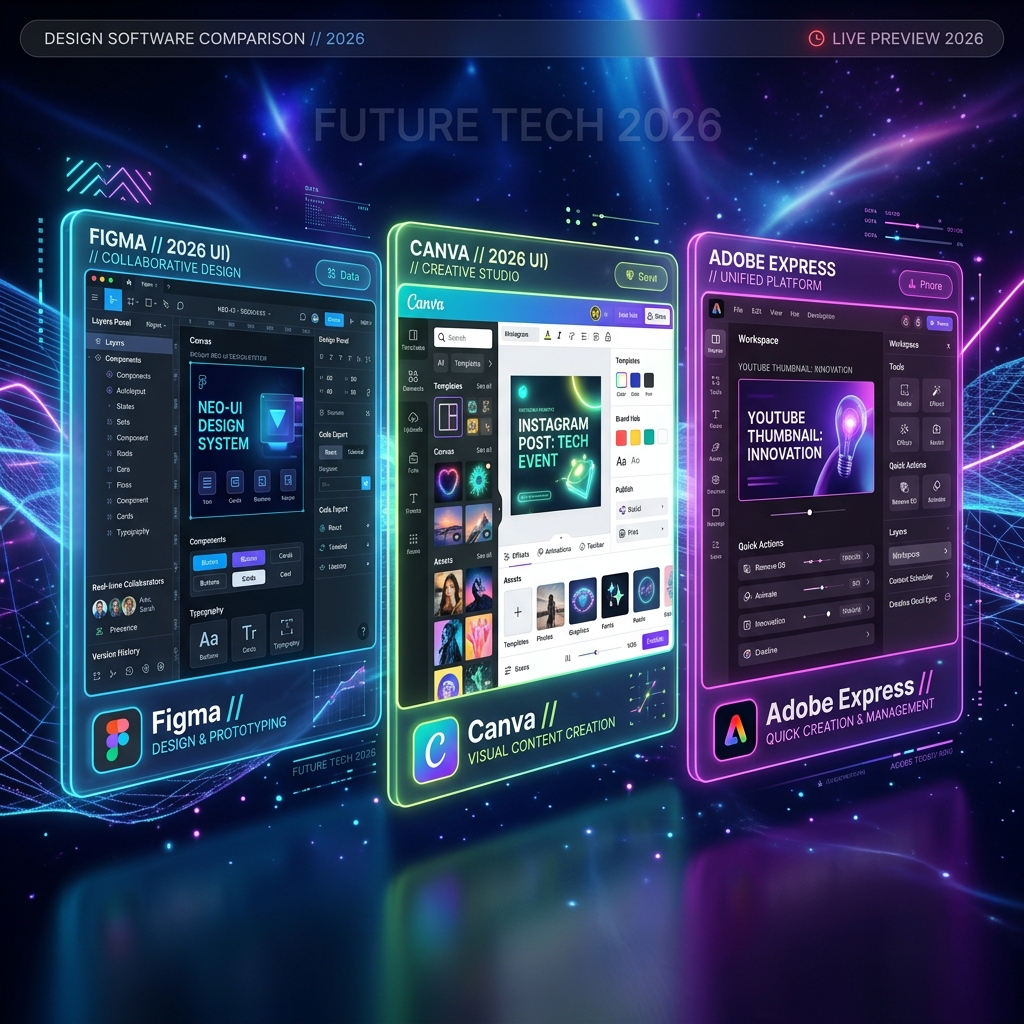
**Short Answer:** If you are building professional UI/UX or complex multi-page layouts, use **Figma**. If you need to quickly generate social media assets without a design background, use **Canva**. If your workflow heavily relies on integrating with Photoshop and Premiere Pro assets, **Adobe Express** is your best bet.
Here's the thing: In 2026, the lines between professional design tools and consumer-grade templates have blurred entirely. All three major platforms have integrated generative AI natively, meaning the differentiator is no longer *what* they can create, but *how* they fit into your team's workflow.
### The Heavyweight: Figma 2026
Figma remains the undisputed king of professional digital design. The 2026 update introduced native agentic workflows, meaning you can now prompt Figma to "Generate a high-frequency glassmorphism dashboard based on our existing design system," and it will output fully functional, auto-layout components.
**Where Figma Shines:** * **Prototyping:** The interactive states and variable logic are unmatched. You can essentially build a functioning app without writing a line of code. * **Design Systems:** If you are managing a brand across 50 designers, Figma's centralized token management is the only way to ensure consistency. * **Developer Handoff:** Dev Mode in 2026 exports production-ready React/Tailwind code with 95% accuracy.
**Where it Fails:** It has a steep learning curve. If you just need a flyer for a bake sale, Figma is overkill and will likely frustrate you. For deep technical context on how AI is shaping software, see [Reacit's AI tool analysis](https://reacit.com/articles/ai-developer-tooling-2026).
### The Democratic Giant: Canva 2026
Canva changed the game by realizing that 90% of the world doesn't need to know what a bezier curve is. The 2026 "Magic Studio V4" update pushed Canva from a simple template editor into a full-scale marketing engine.
**Where Canva Shines:** * **Speed:** You can go from a blank page to a published Instagram carousel with AI-generated text and imagery in under 3 minutes. * **Asset Library:** The sheer volume of stock video, audio, and graphics available directly in the editor saves hundreds of dollars in external subscriptions. * **Brand Hub:** Small businesses can lock down their fonts and colors, ensuring employees don't go rogue with Papyrus.
**Where it Fails:** It produces generic results if you aren't careful. Because millions of people use the same templates, your brand can quickly look like everyone else's unless you actively customize the layouts.
### The Ecosystem Player: Adobe Express 2026
Adobe Express is Adobe's answer to Canva, and its superpower is the ecosystem it lives within. Powered by Adobe Firefly AI, Express is designed for teams that already use the Adobe Creative Cloud.
**Where Adobe Express Shines:** * **Asset Linking:** You can link a Photoshop (.psd) or Illustrator (.ai) file directly into an Express template. If your lead designer updates the master Photoshop file, the Express template updates automatically. * **Firefly AI:** The generative fill and text-to-image capabilities are legally safe for commercial use, which is a massive relief for corporate compliance teams. * **Typography:** Access to the entire Adobe Fonts library gives you a massive typographic advantage over Canva.
**Where it Fails:** The UI can feel slightly heavier and less intuitive than Canva, and it still occasionally suffers from the "Adobe bloat" that plagues their heavier desktop applications.
### Generative AI Features Comparison: Firefly vs Magic Studio vs Figma AI
In 2026, generative AI is no longer a beta feature; it is core to the workflow of all three platforms. However, they approach AI differently depending on their target audience: * **Figma AI:** Focuses on wireframing and prototyping. It can generate structural layouts and component blocks based on text prompts. This allows designers to bypass the initial layout phase and move straight to detail work. Figma AI also automates renaming layers and cleaning up vector node positions. * **Canva Magic Studio V4:** Focuses on asset creation and layout changes. Its "Magic Resize" can transform a single landscape graphic into a full multi-platform campaign (stories, banner, grid post) in seconds, adjusting the text and images automatically. It also includes powerful text-to-image and text-to-video generators powered by partner models. * **Adobe Express (Firefly):** Focuses on creative styling and image refinement. Firefly allows for high-quality generative fill, text effects, and style transfer. Because the model is trained entirely on licensed or public-domain images, it is the only platform that offers complete copyright safety, making it the preferred choice for enterprise brands.
### Typographic Control and Typography Pairing Support
Typography is a major differentiator among the three tools. Each platform supports font pairing differently: * **Figma:** Offers professional typographic controls. It supports variable font axes, letter-spacing, paragraph spacing, and auto-layout text wrapping. You can upload custom self-hosted fonts in WOFF2 format to match your brand guidelines. For details on pairing logic, read our comprehensive guide on [typography pairing rules for 2026](/asset/typography-pairing-rules-2026/). * **Adobe Express:** Exposes the entire Adobe Fonts library. This gives users access to thousands of premium, foundry-licensed typefaces, making it easy to establish a high-end visual voice. However, its typographic adjustments are less detailed than Figma's, lacking variable axis tuning. * **Canva:** Offers a simple Brand Hub where you can lock down header, subheader, and body fonts for your team. While it has a massive library of pre-installed fonts, uploading custom typefaces requires a paid plan — Canva Pro, Canva Teams, Canva Business, Canva Education, or Canva for Nonprofits — through Brand Kit (up to 500 fonts per Brand Kit, per Canva's help center), and its spacing and line-height controls are basic.
### Design System and Centralized Token Integrations
For teams managing a unified brand identity, how a tool handles design tokens is vital: * **Figma Variables:** The gold standard. You can define spacing, padding, and border-radius tokens as variables, allowing you to switch a design from a tight, technical look to a warm, rounded look instantly. These variables can be exported directly as CSS or JSON variables for developers. To build a cohesive design system, check out our [2026 brand identity selection guide](/asset/brand-identity-selection-guide-2026/). * **Adobe Creative Cloud Libraries:** Adobe Express links directly to your CC Libraries. This allows your designers to manage master assets in Illustrator or Photoshop and share them with the marketing team using Express, ensuring everyone uses current files. * **Canva Brand Hub:** A simple, centralized directory for colors, logos, and fonts. It does not support spacing or radius tokens, meaning users must adjust layouts manually, which can lead to minor visual differences across team assets.
### The Verdict: Which one should you choose?
Your choice depends entirely on your role: * **UI/UX Designers & Agencies:** Figma is non-negotiable. * **Social Media Managers & Solo Creators:** Canva provides the highest velocity. * **Enterprise Marketing Teams:** Adobe Express bridges the gap between your professional designers and your marketing staff.
**What to Read Next:** If you are deciding which tool to master, you need to understand the visual language they are built for. Read our guide on [The 2026 Kinetic Typography Standard](/asset/kinetic-typography-motion-energy-2026/) to see how modern motion design works in these platforms.
Directory Analysis & Suitability
Key Advantages
- Comprehensive breakdown
- Workflow analysis
Considerations
- Tool features change rapidly
Platform Compatibility
Web Environment
Exceptional
Mobile & Touch
Excellent
Desktop Software
Exceptional